
InterLink Network continues to gain attention among users interested in digital identity tools, mini applications and simple Web3 connected experiences. With the arrival of version 4.0.1, the developers have introduced a more stable and polished release that focuses on smoother onboarding and improved reliability. This updated review takes a long and detailed look at everything the app offers, how the newest version behaves, what kind of features it brings, and how you can safely install the APK on your device.
This article is crafted for readers who want an in depth analysis, as well as people searching for a safe place to download APK files including links from RedAPK which you will find throughout the content.
Table of Contents

A quick look at InterLink Network
InterLink Network is created by Interlink Labs and operates as a multi feature application that blends identity verification, simplified onboarding and a collection of small service based tools called mini apps. People use it because it reduces the difficulty of verifying identity for online services while also providing access to reward programs, airdrops, referrals and small utilities inside a single platform.
At its core the project focuses on human centric identity and easy pathways to Web3 features. Instead of juggling several separate apps, InterLink brings everything into one interactive system. This includes the InterLink ID process which handles biometric verification and secure access across different integrated mini apps.
What version 4.0.1 brings to the table
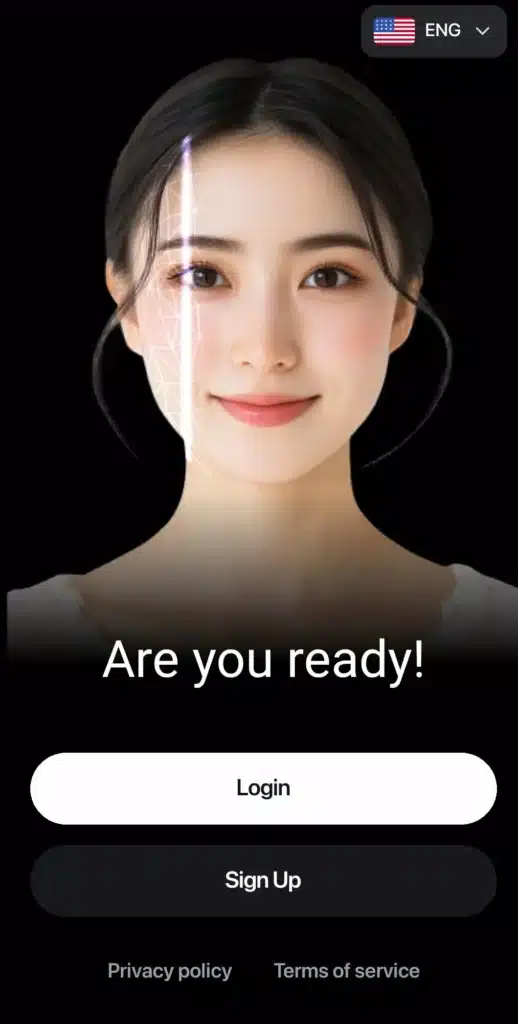
Version 4.0.1 is not a feature heavy release but rather a careful improvement over earlier builds. It prioritizes stability and smooth functioning. This new update addresses crash problems, introduces moderate performance improvements and resolves some reliability issues that users previously reported.
Different APK sources show that the size of the package varies depending on the build, but most listings fall in the range of about one hundred seventy to two hundred forty megabytes. These differences come from device compatibility factors, split APK structures and internal assets.
Users who had difficulties with login or verification in earlier 4.0 builds will likely benefit from the fixes introduced in version 4.0.1.
Main features explained in detail
Here is a full breakdown of the key functions inside InterLink Network and how each one works for everyday users.
InterLink ID verification
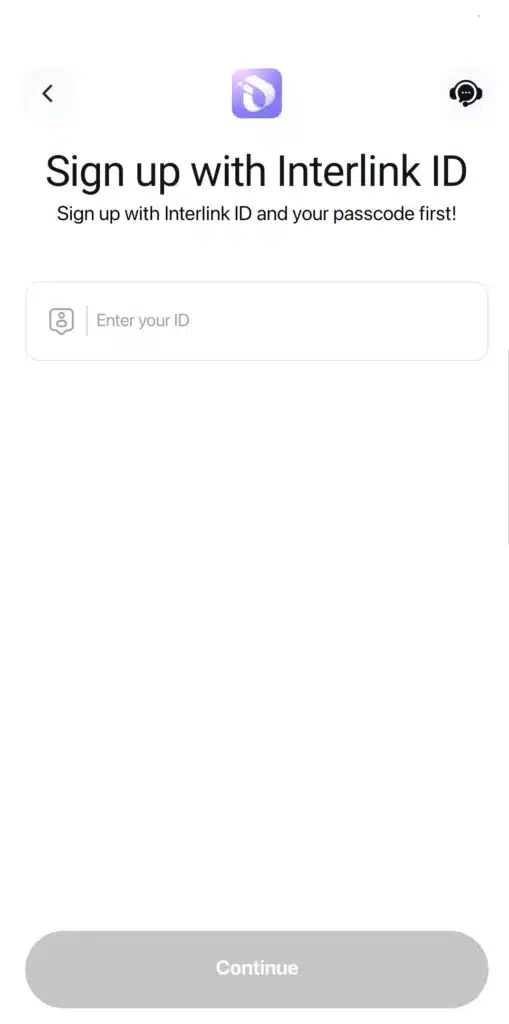
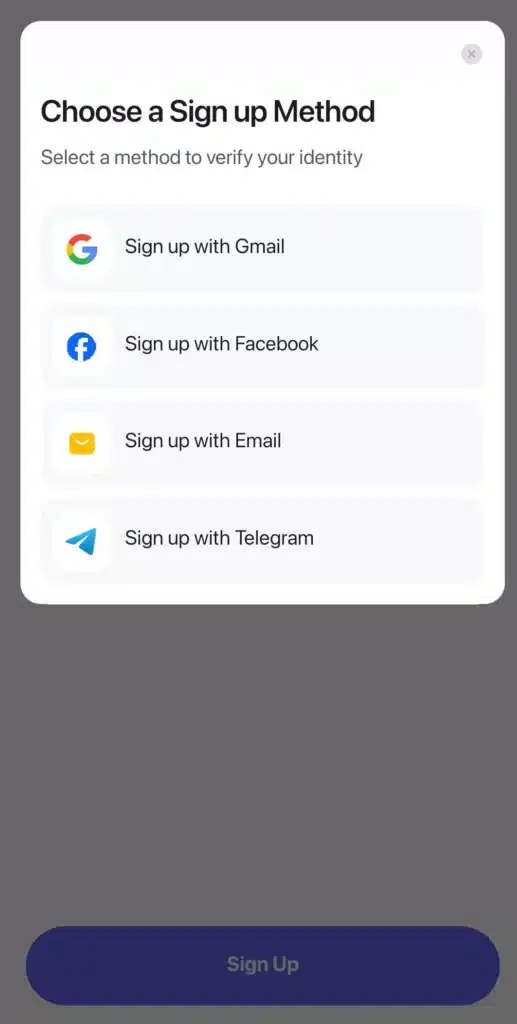
InterLink ID acts as the foundation for the entire application. It uses face recognition and biometric friendly steps to verify each user. Once the verification is complete, this ID becomes your passport to sign in to mini apps, rewards and other in app services. This approach simplifies the onboarding journey and keeps all activities connected through one identity.
Mini apps environment
InterLink houses several small applications inside its main interface. These mini apps handle various functions such as communication, utilities, rewards, payments or Web3 services. Instead of downloading multiple apps, users can access these tools directly inside InterLink.
Network numbers and internal profiles
Every user receives a network number or identifier inside the system. This number allows seamless interaction with other parts of the platform. Different mini apps rely on this identifier to deliver customized actions.
Rewards and activity based bonuses
InterLink includes reward programs that allow users to obtain incentives, special credits or airdrops simply by participating in different activities. The nature of these rewards changes frequently based on campaigns and partnerships.
Referral based ecosystem
The referral system helps the network grow and also benefits users who successfully invite others. When a new user completes their onboarding, the person who referred them may earn bonuses.
In app updates and news section
The app includes a news screen that shows recent announcements, development updates, upcoming features and campaign details. This helps users stay up to date without visiting external platforms.
These features together create a complete ecosystem that helps people reduce the complexity of identity based services and Web3 onboarding.
File size and device requirements
InterLink Network version 4.0.1 is considered a large app compared to typical utilities. Different APK libraries list varying package sizes because of architecture based splits, but most entries sit between one hundred seventy megabytes and two hundred forty megabytes.
The minimum Android version required is Android seven. Any device running a modern version of Android should handle this app without issues. Older phones may struggle with performance especially during biometric verification or mini app loading.
Given the size of the file and the nature of built in assets, expect the app to use additional cache and storage space over time.
How safe is the APK
Since InterLink handles biometric verification and identity, safety becomes a primary concern. Here are reliable guidelines for ensuring you install the app securely and avoid tampered packages.
Prefer official store downloads
If the app is available in Google Play or Apple App Store, always install from the official store. Store based downloads include additional validation layers that help ensure the file is safe.
Use trusted APK mirrors only
If you have a device that does not support Play Store or if you prefer manual installation, make sure to download the APK only from well known sources. Popular and longstanding repositories publish signature information which you can compare with the developer’s original certificate.
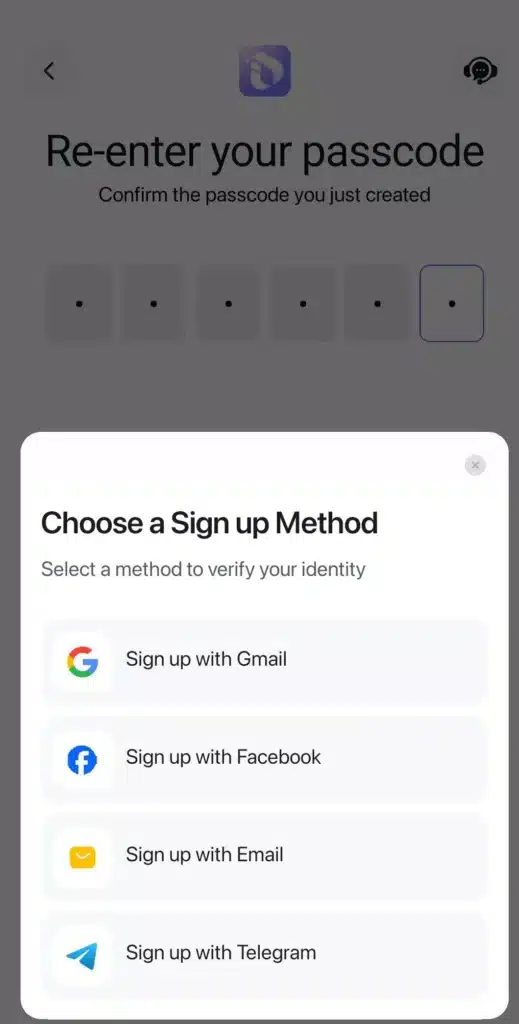
Review permissions before installation
Identity apps require sensitive permissions such as camera access and internet usage. Carefully read these permissions at installation time. Knowing what the app intends to access helps you make informed decisions.
Read the privacy policy
Interlink Labs provides information about identity verification procedures and data handling practices. Since biometric data is sensitive, always understand what information is collected and how long it is retained.
Keep device software updated
Modern Android security patches add extra protection for apps that handle sensitive information. Keep your phone updated before installing large identity based applications.
Step by step installation guide for the APK
Follow these steps if you choose to install the APK manually.
Begin with a device backup
Before installing any apk that requires biometric interaction, create a backup of your essential data. This is a good practice for general safety.
Check official store availability
Search for InterLink Network on Google Play or the App Store first. Installing through official channels is the safest approach.
Download the apk from reputable sources
If you require the apk specifically, choose a trusted website. Verify the file size mentioned on the page and compare it with your downloaded file. Also note the publishing certificate and check if it matches the developer signature.
Enable unknown app installations only for installation time
Modern Android versions allow granular control over which apps can install unknown files. Enable this permission only for the file manager or browser you are using. Disable it afterwards for maximum safety.
Inspect permissions
When the installation prompt appears, review the permissions. Expect camera, storage, network and possibly microphone access depending on mini apps.
Complete the InterLink ID setup
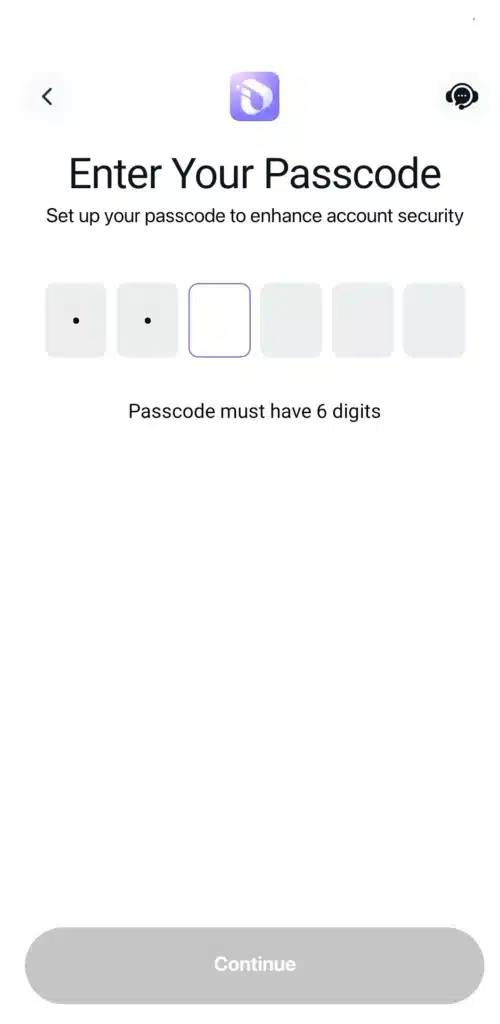
Once the app launches, follow the steps for biometric or face verification. Make sure the lighting in your room is sufficient for the camera to capture a clear view.
Monitor the application during first use
Allow the app to run and test its functions. If you want additional security, you can restrict background data or use a network monitoring tool until you feel comfortable.
Permissions you can expect
Because InterLink Network deals with sensitive identity tasks, you will likely see the following permissions.
• Camera access
• Storage access
• Network connectivity
• Optional microphone access
• Biometric prompts for security
Understanding these permissions helps you feel confident before proceeding with the installation.
Update details and technical improvements in 4.0.1
The newest version includes several internal adjustments. These are not dramatic changes but they enhance the general performance of the app.
• Fixes for onboarding crashes
• Better stability across different Android versions
• Polished mini app screen transitions
• Reduced memory usage during biometric processes
• Faster loading times on some devices
If you struggled with any part of the verification process before, 4.0.1 is designed to smooth out these experiences.
Common issues and solutions
Here are some typical problems users encounter and easy ways to address them.
Difficulty with face verification
Try moving to a well lit area or switching to a device with a better camera. Restart the phone if the verification loop repeats.
Missing reward credits
Referral bonuses or reward points sometimes update slowly. Wait for a short period and if the issue persists, contact in app support.
Mini applications not loading
Clear the app cache or reinstall the apk using the correct architecture type. Phones with outdated frameworks may require a fresh installation.
Performance drops
Older devices may experience slow response times. Try restarting the device or disabling background apps.
Alternatives to InterLink Network
If you want similar identity tools or onboarding applications, here are common alternatives.
• Decentralized identity wallets
• Verification tools with standalone SDKs
• Web3 wallets that include built in KYC processes
Your choice depends on what you want from the service. Some users prefer simple KYC tools, while others want a full ecosystem similar to InterLink.
Frequently asked questions
How large is the APK for version 4.0.1
The file can range between about one hundred seventy to two hundred forty megabytes depending on architecture.
Does it require biometric verification
Yes InterLink ID uses facial verification as part of the onboarding experience.
Is it listed on Google Play and Apple App Store
Yes the app is available on both platforms but availability may vary based on your region.
Can older phones run the app
The minimum requirement is Android seven. Phones older than this may not support newer updates.
Are the reward programs guaranteed
Rewards depend on ongoing campaigns. They are not permanent and may change over time.
Safe download options
Here are trusted locations where you can obtain the application.
• Google Play
• Apple App Store
• Trusted apk mirror repositories
• Official website of Interlink Labs
If you prefer localized apk resources, you can also explore RedAPK which offers categorized apk listings.
RedAPK internal links you can use
• Visit the RedAPK home page for more apk categories:
https://www.redapk.net/
• Browse the main apk collection here:
https://www.redapk.net/category/apk
These links help users discover related tools and securely download apk files from known sources.
Conclusion
InterLink Network version 4.0.1 is a helpful update for users who rely on the app for identity verification and mini app access. While it does not introduce major new features, its stability improvements make it a recommended upgrade. If you are interested in exploring Web3 style features in a simplified environment, InterLink is a suitable choice.
If you want, I can also convert this article into an SEO optimized RedAPK publishing format with metadata, keywords and internal linking based on your site structure.