
Introduction
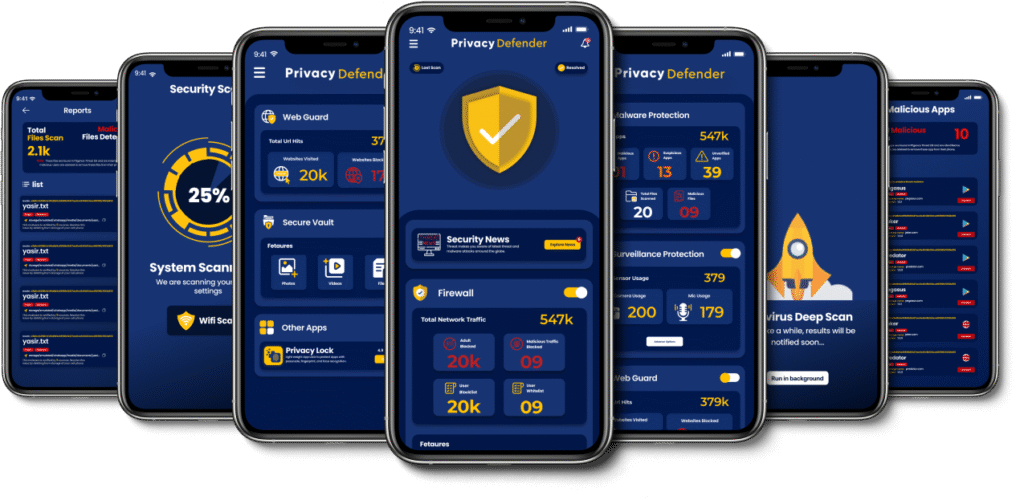
Running an APK website carries responsibility: many users rely on you to provide safe, updated and legitimate app files. This guide helps readers install APKs carefully, explains key checks, and shows how your site can signal trustworthiness
Table of Contents

Core checks before installing any APK
- Source and version: Prefer official developer builds. Flag unofficial or modded variants. RedAPK and similar platforms often note when an APK is a mod or unofficial build—call that out visibly. redapk.net
- Permissions audit: Show a clear list of requested permissions and explain why they matter.
- Signature integrity: Encourage checksum or signature verification to detect tampering.
- Update frequency: Display last update dates and changelogs; up to date apps are less likely to have known vulnerabilities.
- Community feedback: Publish user comments or warnings about suspicious behaviour.
Best practices for APK website owners
- Transparent metadata: For each APK show developer name, release date, file size, permissions and direct changelog.
- Verification badges: “Official build”, “Permissions reviewed”, “Checksum provided” are simple trust signals.
- Security howtos: Publish a step by step guide on how to install safely and how to rollback if a new version misbehaves. External safety guidance such as Google’s app security best practices is useful to reference. Android Developers
How to handle modded or region locked apps responsibly
- Clearly label modded APKs and explain potential risks (ads, spyware, banned features).
- Offer older versions with explicit security disclaimers and encourage users to weigh convenience versus safety.
Final checklist for users before they click download
- Developer legitimacy and official website link.
- Recent update and changelog.
- Permission list makes sense for app function.
- Hash or checksum available.
- Community reviews show no malware or suspicious ads.
Useful RedAPK pages to reference and link for users
- RedAPK’s site pages and examples can be used to illustrate how to display metadata and changelogs. See RedAPK’s about and contact pages for transparency examples, and specific APK pages like Tachiyomi and Video Downloader which show metadata and features. redapk.net+2redapk.net+2
Conclusion
Trust is the most valuable asset an APK website can build. By being transparent about sources, permissions, signatures, and by educating users, your site becomes not just a download hub but a trusted resource. Use clear labels, link to authoritative safety guidance, and provide community reporting tools to keep the ecosystem healthy. Android Developers